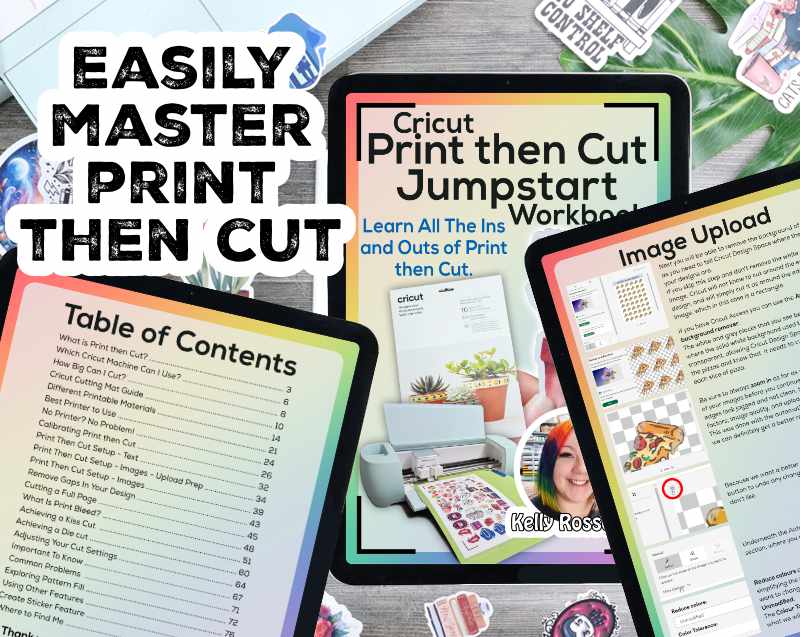
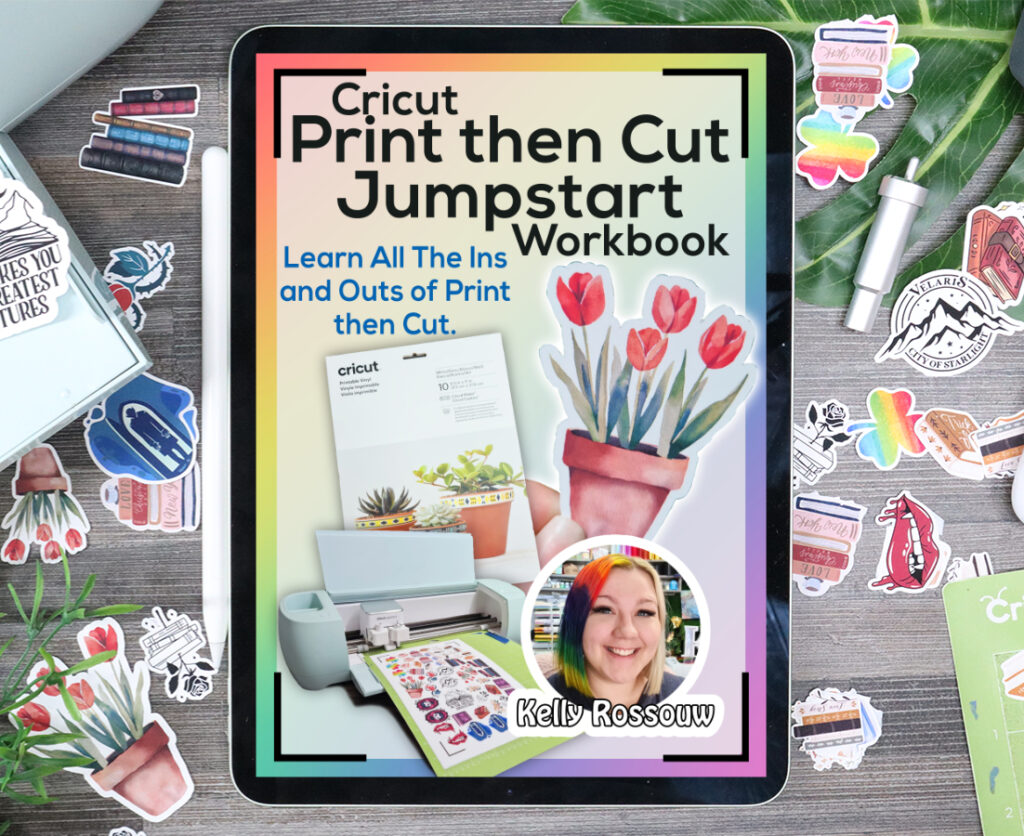
Kelly Rossouw's Cricut Print Then Cut Jumpstart Workbook

Buy now and Save 25%!​

Get started on your way to Cricut Print Then Cut project perfection

Buy Now
  • 00Days
  • 00Hours
  • 00Minutes
  • 00Seconds

Easily Master Print Then Cut Projects with this Workbook!

A perfect guide for any Print then Cut Newbie.

80 pages of jam packed information, step-by-step guides, tips and tricks of the trade, and everything you didn't know you needed to ask!

Demystify Print then Cut by learning everything you need to know in this workbook. There are many things you want to know about Print then Cut and they will all be answered in this robust workbook.
 
It covers topics from setting up your first Print then Cut project (with a step-by-step walkthrough included), to how to perfect your projects, and even what NOT to do!
This workbook contains so much information covering a wide range of topics crucial to getting a great Print then Cut project with your Cricut machines.
master-ptint-then-cut

Is the Print Then Cut Workbook the right fit for you?

Does this sound like you?

  • You're a crafter who wants to learn what Print Then Cut is, and how to use it

  • You either have never used Print Then Cut, or have tried a few projects that haven't worked out well

  • You want a way to easily locate information that will help you instead of spending hours looking for it

Or maybe it's as simple as...

  • You don't have time to search for information

  • You are looking for something to print out and refer to often

  • You don't like watching videos to learn something new

Go from overwhelmed and frustrated to making Print Then Cut projects like a pro in no time at all 🤩

⬇

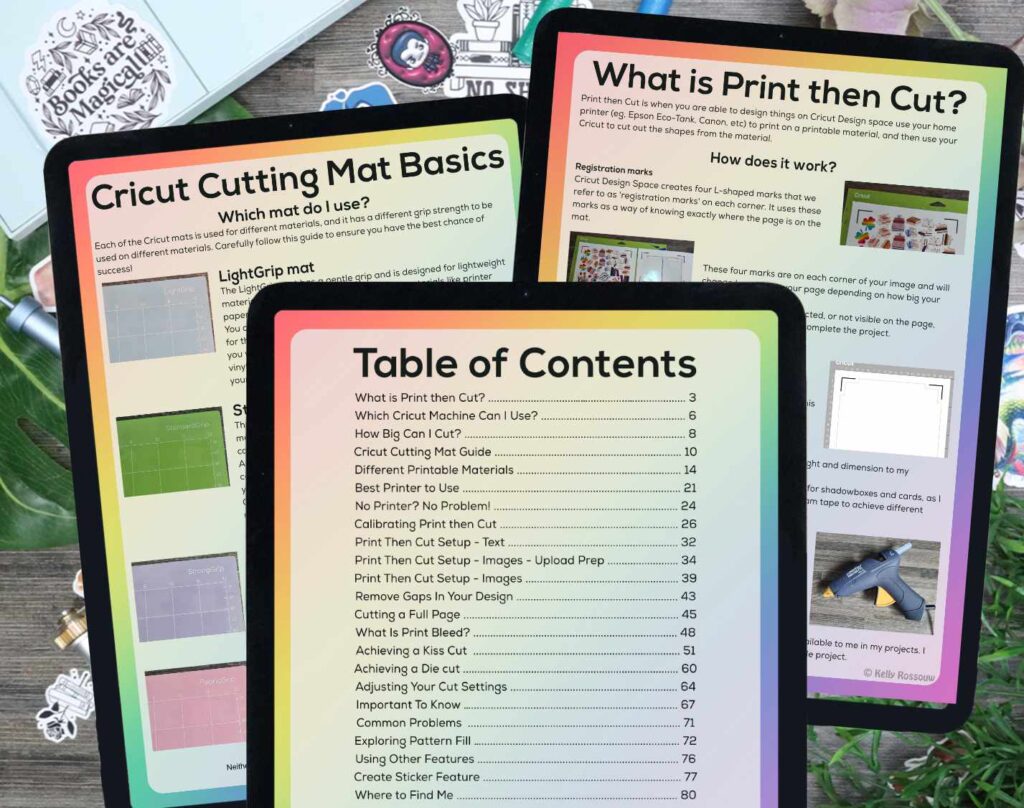
With this workbook you will learn:

  • What is Print then Cut?
  • Which Cricut Machine Can I Use?
  • Cricut Cutting Mat Guide
  • Different Printable Materials
  • Best Printer to Use
  • No Printer? No Problem!
  • Calibrating Print then Cut
  • Setting Up Your Stickers
  • Use ‘Create Sticker'
  • Convert Any Design
  • Achieving a Kiss cut
  • Achieving a Die Cut
  • Using Other Features
  • Common Problems
  • What NOT to do
  • So much more!